UI/UX Design Company in Chennai
Turn complex ideas, workflows and business requirements into intuitive digital experiences that are easy to understand, enjoyable to use, and designed to support measurable business outcomes.
Request a Free Design Audit Request a UX/UI Design Proposal
A Beautiful Interface Isn't Enough
Poor navigation
Users can't build a mental model of where things are.
High drop-off
Journeys lose people before the task is finished.
Inconsistent UI
The same action looks and behaves differently across screens.
Complicated workflows
Routine tasks take more steps than they should.
Outdated design
The interface undermines trust before the product is judged.
Low mobile usability
Cramped targets and layouts that assume a desktop.
Weak accessibility
Contrast, focus states and semantics leave people out. We also offer this as a standalone WCAG accessibility audit.
Unclear CTAs
Nothing tells the user what the next step actually is.
Slow product adoption
New users never reach the moment the product proves itself.
Design That Connects User Needs With Business Goals
Better usability
People can complete what they came to do without help.
Higher engagement
Interfaces worth returning to, not just tolerating.
Stronger conversion paths
Clear routes from interest to enquiry, signup or purchase.
Faster task completion
Fewer steps, fewer decisions, less hesitation.
Improved product adoption
Onboarding that gets users to real value quickly.
Reduced friction
Known problem points designed out, not worked around.
Consistent brand experience
One product identity across every screen and platform — built on the logo, colour and type system a brand identity project defines.
Easier development handoff
Specifications developers can build from without guesswork.
UI/UX Design Services in Chennai
A great UI/UX design is more than just aesthetics—it ensures usability, accessibility and a seamless user experience. As a leading UI/UX design company in Chennai, we specialize in designing intuitive, interactive and conversion-driven digital experiences for websites, mobile apps and enterprise software.
We focus on user behavior, design psychology and latest design trends to create interfaces that engage users and drive business growth.

End-to-End UI/UX Design Services
UX Research
Understand users, goals, workflows, pain points, competitors and constraints.
UX Audit
Identify usability issues, navigation problems, inconsistencies, accessibility gaps and conversion friction.
Information Architecture
Organize content, features, navigation and hierarchy.
User Flows
Map task journeys from entry point to successful completion, including edge cases.
Wireframing
Define structure and interaction before detailed visual design.
UI Design
Create polished, responsive, brand-aligned interfaces.
Interactive Prototyping
Validate interactions and communicate concepts before development.
Usability Testing
Test important journeys and use findings to improve the experience.
Design Systems
Create reusable components, tokens, patterns, guidelines and documentation.
Developer Handoff
Provide organized specifications, states, assets, responsive behavior and component guidance.
Website Experiences Designed to Guide Visitors Toward Action
- Sitemap & content hierarchy
- Landing pages
- Navigation
- Hero sections
- Service pages
- Forms
- Conversion sections
- Responsive layouts
- Accessibility
Mobile Experiences Designed Around Real User Behavior
Onboarding & authentication
First-run experience, signup, login and account recovery.
Home & search
The screens users return to most, designed for speed.
Profiles & settings
Account management that stays findable as it grows.
Ecommerce & booking
Browse, select, schedule and confirm without friction.
Payments
Checkout flows designed to feel safe and finish quickly.
Notifications
Useful prompts and permission moments, not interruptions.
Dashboards
Personal data presented at a glance on a small screen.
Empty & error states
The screens most products forget, designed deliberately.
Simplify Complex Products With Better UX
- Dashboards
- Tables
- Filters & search
- Forms
- Role-based experiences
- Reports
- Approvals
- Settings
- Bulk actions
- Notifications
Design Shopping Experiences That Reduce Friction
Product discovery
Browse, search and filters that narrow choice without dead ends.
Product details
Imagery, variants, stock and specifications presented in a decidable order.
Cart & checkout
Short, transparent, and honest about cost before the final step.
Payments
Payment selection and confirmation designed to reduce abandonment.
Accounts & orders
Order history, tracking and returns that don't need support calls.
Wishlist, offers & reviews
Trust and retention mechanics built into the journey.
How We Work Through Each Design Discipline
- Discovery and UX Research
- Information Architecture & User Flows
- Wireframing and Prototyping
- UI Visual Design & Style Guide
- Design Systems
- Usability Testing and Handoff

Discovery and UX Research
At LeafyWings Technology, every successful product begins with deep understanding. Our Discovery and UX Research phase focuses on uncovering user needs, behaviors, and goals through user interviews, surveys, and stakeholder workshops. We perform competitor analysis to evaluate market trends, benchmark user experiences, and identify opportunities for differentiation.
We also review analytics and support tickets where they exist — the questions people already ask are the cheapest research available. The output is a set of user insights, pain points, opportunity areas, user groups, journey maps and design priorities, so the work that follows starts from evidence rather than assumptions.
Information Architecture & User Flows
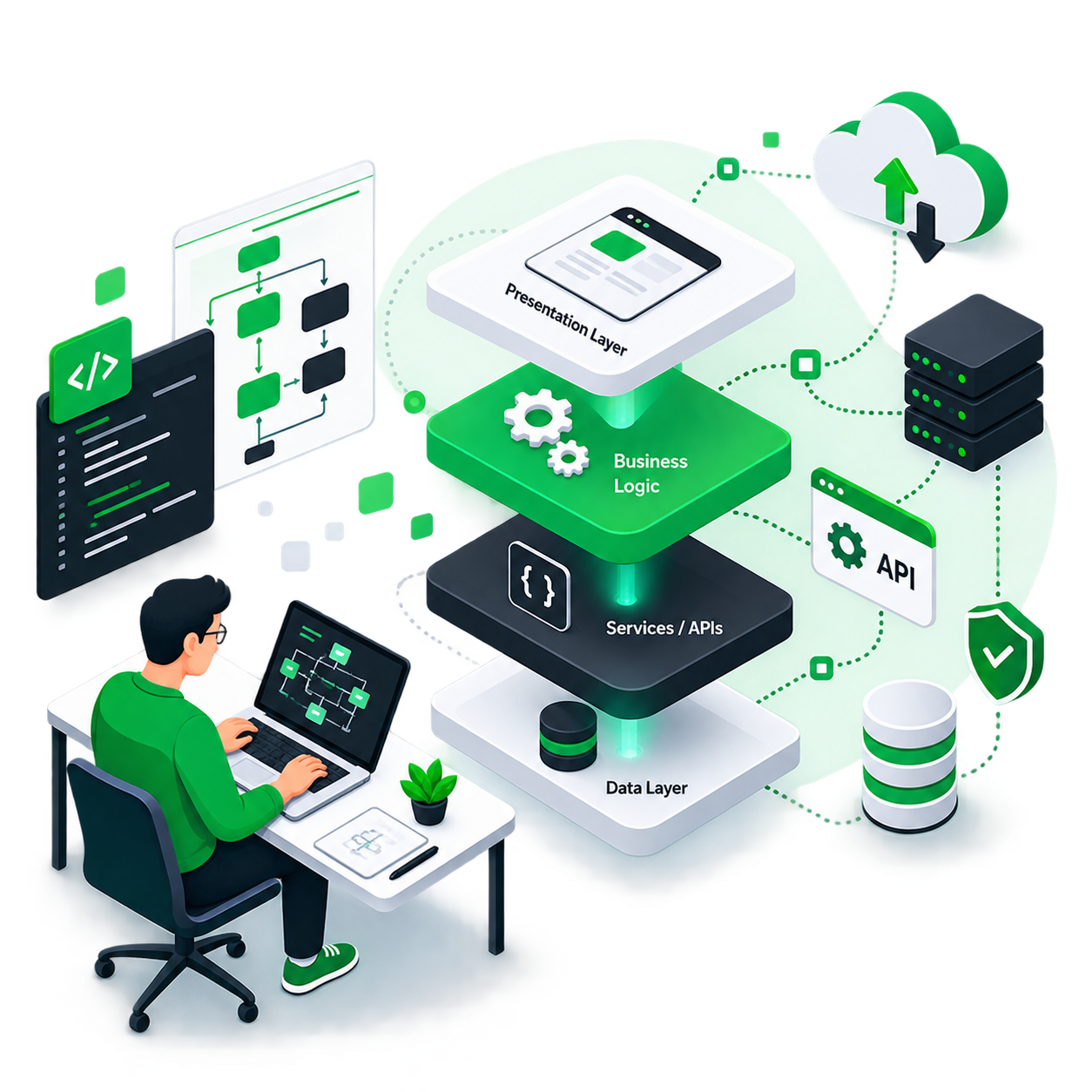
Information architecture defines how content, features, navigation and functionality are structured. We run a content inventory, then work through sitemap, navigation, categorization, hierarchy, search structure, taxonomy and labeling — deciding what belongs together and what each thing should be called before any screen is drawn.
Alongside it we map the journeys that matter: signup, login, search, purchase, booking, payment, application, support, subscription and account management. Crucially, that includes the paths most projects leave until late — errors, permissions, cancellation and recovery — because those are where real users get stuck.

Wireframing and Prototyping
Once the research is complete, we move into the Wireframing and Prototyping phase — the blueprint of your digital experience. Our design experts create low-fidelity wireframes to visualize structure and layout, followed by high-fidelity interactive prototypes that simulate real-world use cases.
We map user flows to ensure that every interaction feels natural and purpose-driven. Through iterative testing and feedback cycles, we refine the prototype until it delivers a frictionless experience that aligns with both user needs and business objectives. This process minimizes rework, accelerates development, and validates the design early on.

UI Visual Design & Style Guide
In this phase, we bring your brand vision to life with elegant, cohesive, and accessible designs. Our UI Visual Design process focuses on building a strong visual hierarchy that guides user attention effectively. We develop a consistent color palette, choose typography that complements your brand personality, and create intuitive iconography and components that reinforce usability.
Visual design should reinforce hierarchy, brand identity, usability, accessibility and product personality rather than simply decorate the interface. The test we hold it to is simple: a user should quickly understand what matters, what is interactive, and what happens next.

Design Systems
A design system lets product teams reuse proven patterns instead of redesigning the same control for the fourth time. We build out the component library — buttons, inputs, forms, cards, tables, navigation, modals, alerts, tabs, tooltips, menus and data visualization — with each component's states defined, not just its default.
Underneath sit the system areas that keep it coherent: design tokens, typography, color, spacing, states, accessibility rules, responsive behavior and documentation. The benefit is compounding — faster design iteration, visual consistency, easier collaboration between design and engineering, and far less duplicated work.

Usability Testing and Handoff
Before final deployment, we conduct comprehensive Usability Testing to validate design performance and user satisfaction. Through task-based user testing and heatmap analysis, we identify friction points, accessibility gaps, and areas for improvement — measuring task completion, error rate, time on task, user confidence and where people drop off.
Then we prepare a developer handoff package: component definitions, responsive behavior, states, spacing, typography, assets, interaction notes, edge cases, accessibility guidance and design tokens. Designers and developers review the important components together before implementation, which is what actually prevents the rework and inconsistency that handoff problems usually cause.
Design Experiences That Work for More People
- Color contrast
- Touch targets
- Typography
- Focus states
- Form labels
- Error messaging
- Screen-reader semantics
- Motion sensitivity
- Clear language
A Structured Process From Problem to Production
Discover
Business goals, users, context, constraints and success criteria.
Research
User and stakeholder insights, competitors, analytics and problems.
Define
Prioritize needs, requirements, opportunities and outcomes.
Structure
Information architecture, navigation, journeys and task flows.
Wireframe
Core layouts and interactions, before any visual styling.
Prototype
Connect key screens into realistic, clickable journeys.
Design
Apply brand, typography, color, components, responsive rules and states.
Validate
Stakeholder review and usability testing where appropriate.
Systemize
Reusable components, tokens and documentation.
Handoff
Work with developers on behavior, assets, states and technical considerations.
Improve
Use analytics, feedback and product outcomes for continuous improvement.
Improve an Existing Product Without Guesswork
Navigation & hierarchy
Whether people can find what they came for.
Interaction patterns
Consistency of controls, states and feedback.
Forms
Length, validation, error recovery and completion rates.
Accessibility
Contrast, focus, semantics and assistive-technology support.
Mobile usability
How the experience holds up on the device most people use.
Conversion paths & error handling
Where journeys break down and what happens when they do.
Product Thinking + UX Strategy + UI Craft
UX research & product discovery
Evidence before opinion, at whatever depth the project supports.
UX audit
A low-commitment way to find out what's actually wrong.
Architecture & user flows
Structure decided deliberately, not inherited by accident.
Wireframes & prototypes
See and click the experience before it is built.
UI craft
Interfaces that look considered because they were.
Design systems & accessibility
Consistency and inclusion built in, not retrofitted.
We also build
An in-house engineering team means designs are checked against what is actually buildable.
Direct founder involvement
You work with the people doing the work, not an account layer.
What Our
Clients Say
Highest rated with an average 4.92 out of 5.00 from 13 reviews
"We received exceptional service for our website redesign and digital marketing campaign. The team's professionalism, technical expertise, and commitment to quality exceeded our expectations."
"Their web development expertise is impressive. The project was completed on schedule, and the after-sales support has been outstanding. We look forward to working with them again."
"The app development team was professional and supportive. They understood our business needs and delivered a reliable application with all the required features."
"Their digital marketing strategies helped us increase our online inquiries significantly. The team was knowledgeable, responsive, and transparent throughout the campaign."
"Their website development team built a fast, secure, and mobile-friendly website for our clinic. We have received many positive comments from our patients."
"Excellent service from start to finish. Their digital marketing efforts improved our search rankings and generated quality business leads within a few months."
Flexible Design Engagements for Different Product Needs
- UX Audit — review an existing product and provide prioritized usability recommendations
- New Product UI/UX — research, UX architecture, flows, wireframes, UI, prototype, testing and handoff
- UI Redesign — modernize the visual interface while improving consistency, hierarchy, responsiveness and usability
- Design System — reusable components, tokens, guidelines and documentation
- Dedicated UI/UX Support — ongoing UX/UI support for new features and product improvements